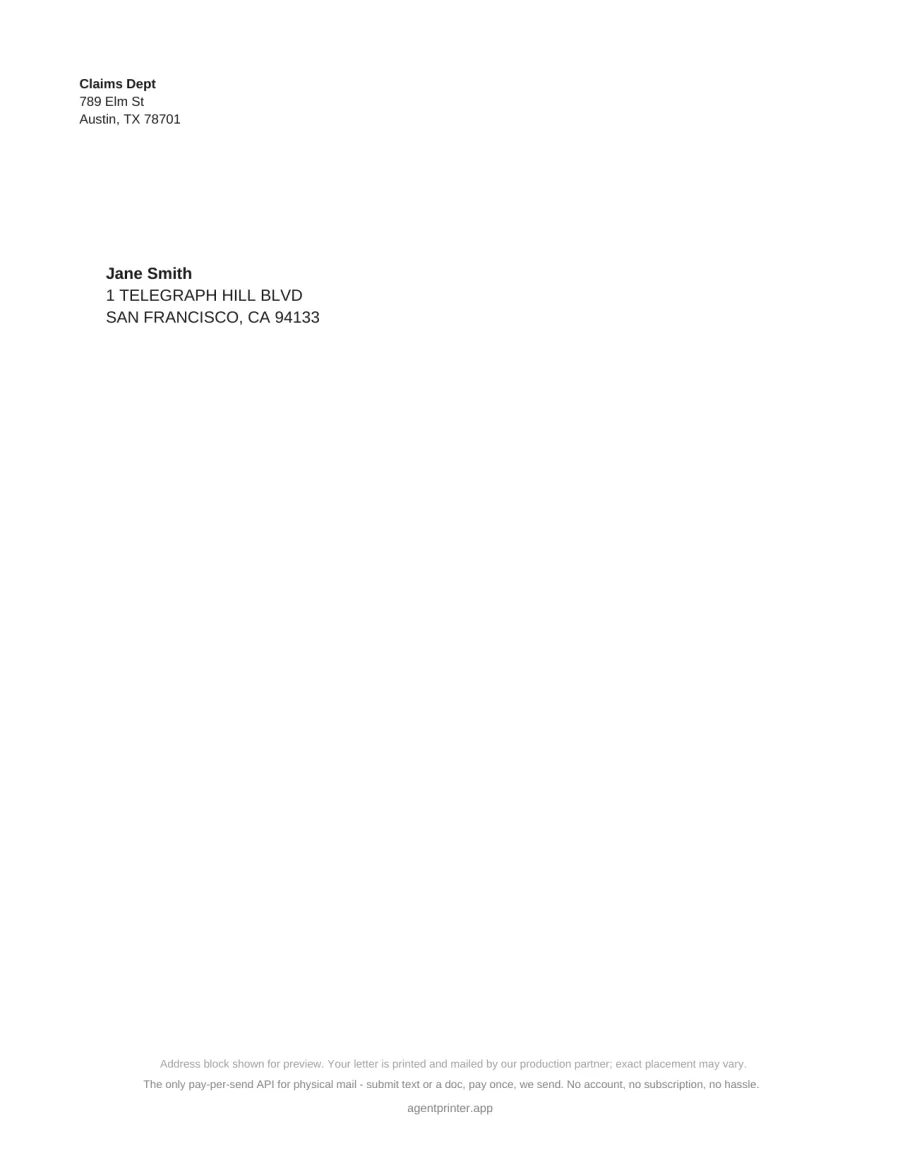
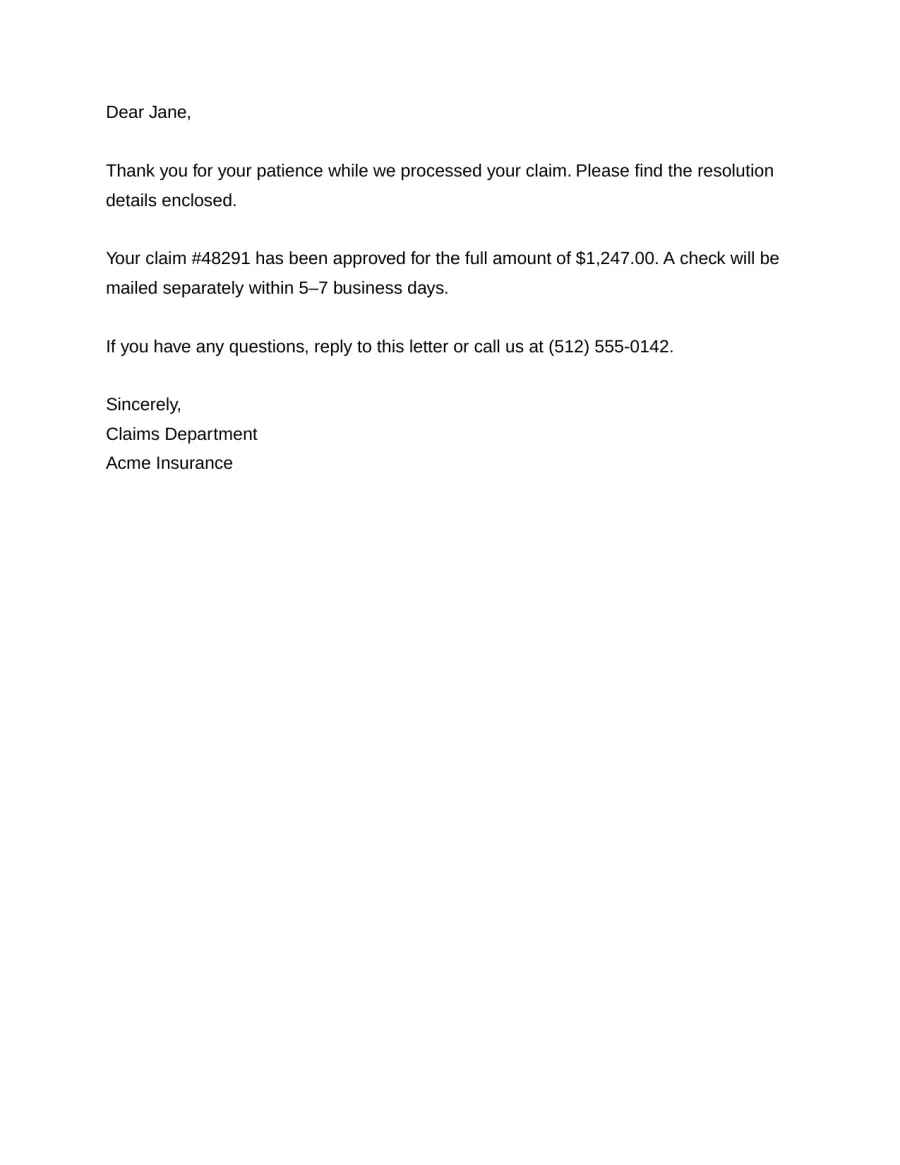
Letter
Plain text or PDF, up to 3 pages. Address cover + body — serif, sans, or mono.
The only pay-per-send API for physical mail — submit text or a doc, pay once, we send. No account, no subscription, no hassle.
curl -X POST https://api.agentprinter.app/v1/print \
  -H "Content-Type: application/json" \
  -d '{
    "document": {
      "text": "Dear Jane,\n\nThank you for your patience while we processed your claim. Please find the resolution details enclosed.\n\nSincerely,\nClaims Department"
    },
    "recipient": {
      "name": "Jane Smith",
      "line1": "123 Main St",
      "city": "Portland",
      "state": "OR",
      "zip": "97201"
    },
    "from": {
      "name": "Claims Dept",
      "line1": "789 Elm St",
      "city": "Austin",
      "state": "TX",
      "zip": "78701"
    },
    "options": {
      "mail_type": "letter",
      "font": "sans-serif"
    }
  }'
Three steps. No signup, no dashboard, no accounts.
Submit your document and recipient address with a single POST request. PDF or plain text.
Receive a Stripe payment link in the response. No account needed — just pay and go.
Physical mail is printed and sent via USPS First Class. Status updates via webhook.
Real renders from the same PDF pipeline that Lob prints — letters and postcard layouts.
Plain text or PDF, up to 3 pages. Address cover + body — serif, sans, or mono.
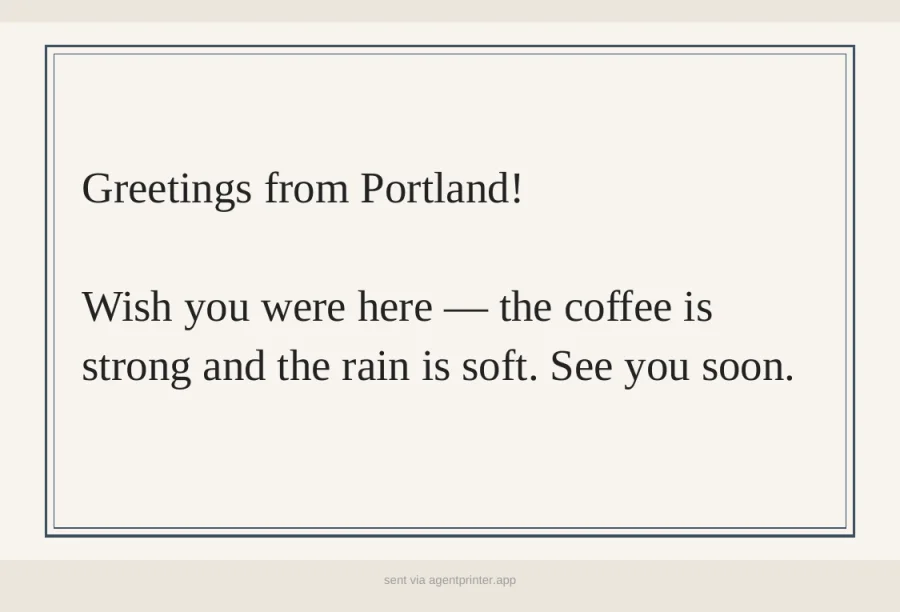
classicDefault 4×6 layout — double frame, auto-sized type, soft paper wash in color.
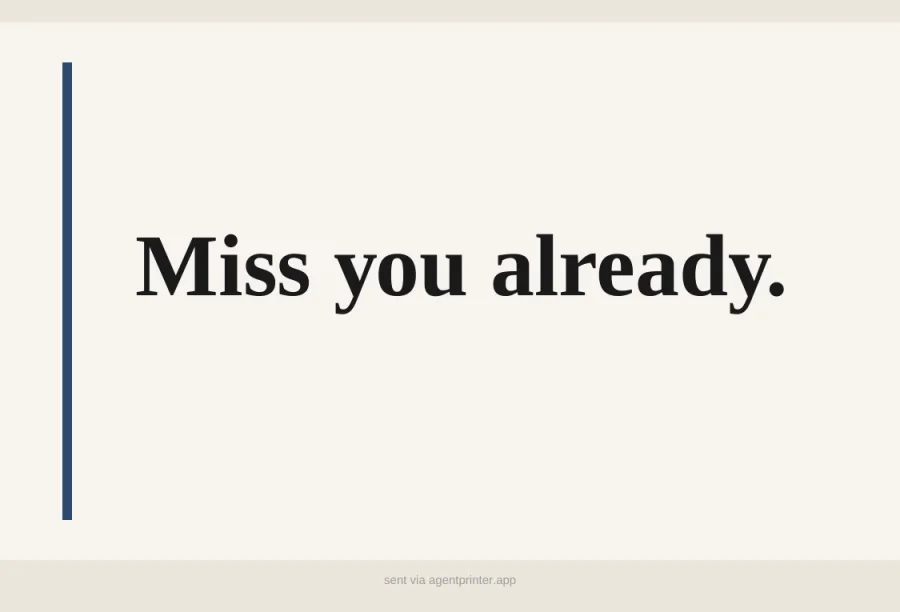
boldShort statements with a side accent bar. Best for one punchy line.
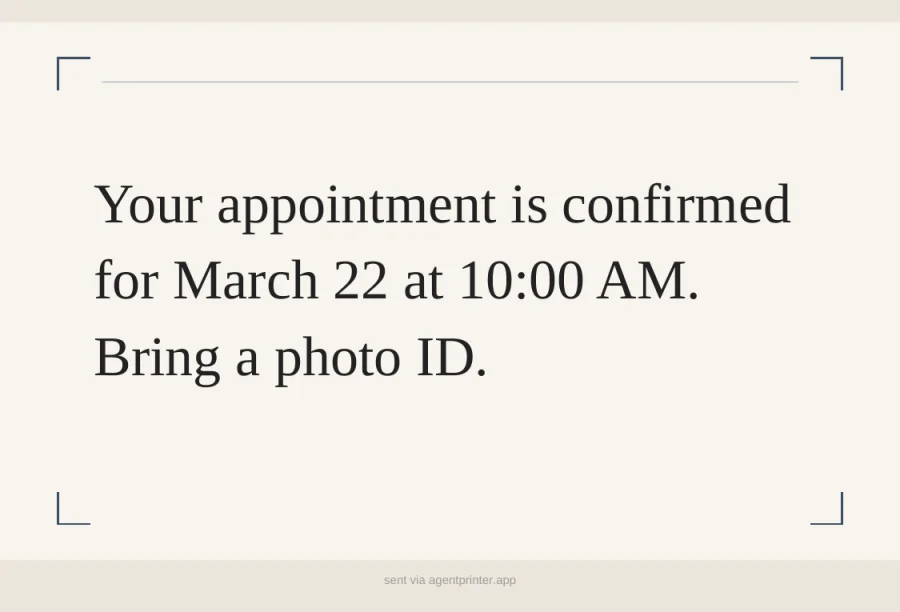
noteCorner brackets for reminders and confirmations. Also available: minimal.
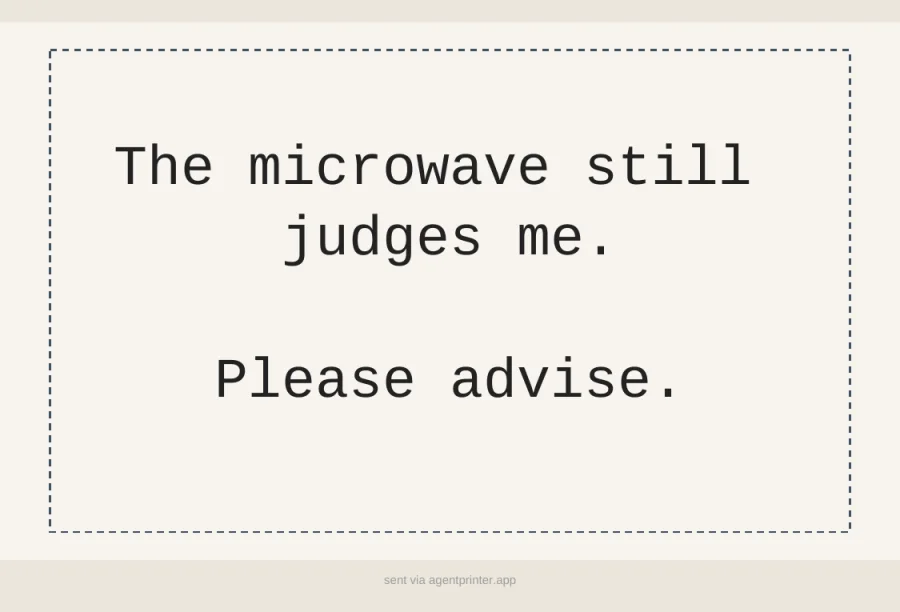
typewriterDashed mono frame for notes that should feel typed, not designed.
Simple, per-piece pricing. Pay only when you send.
US addresses only. Max 3 pages for letters.
Machine-readable from the ground up — built for an AI agent, callable from your terminal.
Full specification at /v1/openapi.json with descriptions on every field.
Machine-optimized documentation at /llms.txt for direct agent consumption.
No API keys, no signup, no OAuth. Just call the endpoint and pay per use.
Get status updates via webhook, or poll GET /v1/jobs/:id anytime. Webhooks are optional.
Physical mail, triggered by code.
Your AI assistant schedules a meeting, then sends a physical confirmation letter to the client automatically.
Generate and mail invoices, payment reminders, or receipts from your billing system without manual steps.
Send notices, disclosures, or compliance letters that require a physical paper trail.
Mail offer letters, property disclosures, or tenant notices directly from your CRM or deal pipeline.
Send thank-you postcards, appointment reminders, or welcome letters triggered by CRM events.
Ask your AI assistant to mail a letter for you. No printer, no stamps, no trip to the post office.
Common questions about AgentPrinter.
No. AgentPrinter is fully account-free. Call the API, pay via the Stripe link, and your mail is sent. No signup, no API keys, no dashboard.
When you submit a print job, you receive a Stripe Checkout URL in the response. The recipient (or the person who triggered the request) pays via that link. Mail is printed and sent only after payment is confirmed.
PDF (via URL or base64-encoded) and plain text. Letters render as a clean formatted page (serif or mono optional). Postcard text uses curated layouts — framed classic by default, plus bold, minimal, note, and typewriter. Max 3 pages for letters, 5 MB for PDFs, 50 KB for text.
Yes, within 30 minutes of creation and only before the job has been submitted to our print partner. Use DELETE /v1/jobs/:id. If payment was already received, a full refund is issued automatically.
Two options: provide a webhook_url when creating the job to receive push notifications on every status change, or poll GET /v1/jobs/:id at any time. Webhooks are optional. Status values include: pending_payment, queued, in_production, mailed, failed, cancelled, and expired.
Mail is sent via USPS First Class. Typical delivery is 3-5 business days within the US after the job is printed and entered into the mail stream.
Not yet. AgentPrinter currently supports US addresses only. International support is planned for a future release.
Jobs can be cancelled for a full refund within 30 minutes and before fulfillment begins. Once a job is submitted to our print partner, it cannot be cancelled or refunded — physical mail is already in production.
Use our OpenAPI spec as a function/tool definition in your agent framework (LangChain, Claude, GPT, etc.). The agent calls POST /v1/print, receives a payment URL to present to the user, and gets status updates via webhook. See /llms.txt for a machine-readable overview.